Make Video Transparent Online: Remove Backgrounds in One Click
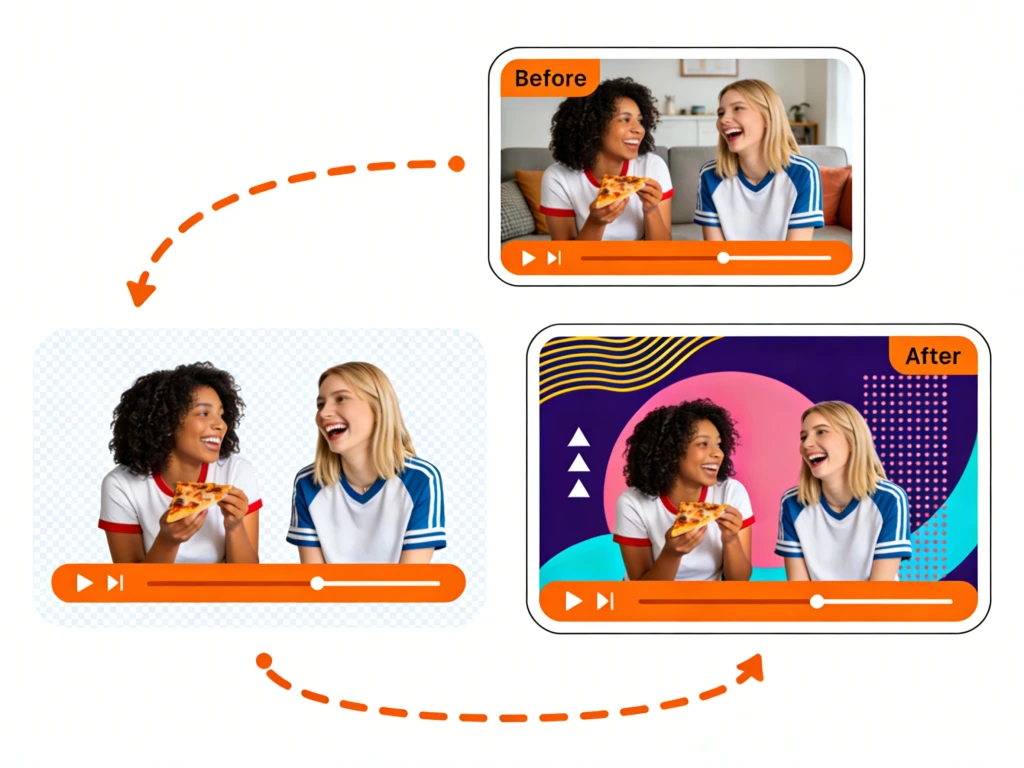
Transform standard footage into high-quality transparent video instantly. Our AI-powered tool automatically removes backgrounds, allowing you to overlay subjects on any project. Perfect for web design, streaming, and video editing without the need for a green screen.
Preparing your creative lab...
How to Make Video Background Transparent in 3 Steps
Creating transparent videos used to require complex chroma keying software. Now, you can achieve professional transparency results in seconds directly from your browser.
Step 1: Upload Video Clip
Drag and drop your MP4, MOV, or WebM file into the workspace. Our tool accepts various resolutions and formats, instantly preparing them for the transparency engine without long buffering times.
Step 2: AI Transparency Processing
Our advanced AI analyzes the motion and depth of your video. It automatically detects the subject and renders the background transparent, handling complex edges like hair and rapid movement with precision.
Step 3: Download Transparent Video
Preview the result instantly. Download your new clip with an alpha channel (transparent background) in formats like .MOV or .WEBM, or save it as a transparent GIF for social media use.
No credit card required • Instant results
Limitless Creative Possibilities for Your Video
Once you make a video transparent, you unlock a world of creative potential. Here is how different creators utilize transparent video assets.
Web Design & UI Animation
Modern web design loves motion. Developers use our tool to create lightweight transparent videos (WebM) that float over website content. Create interactive assistants, product reveals, or dynamic hero elements that blend seamlessly with any page background color.
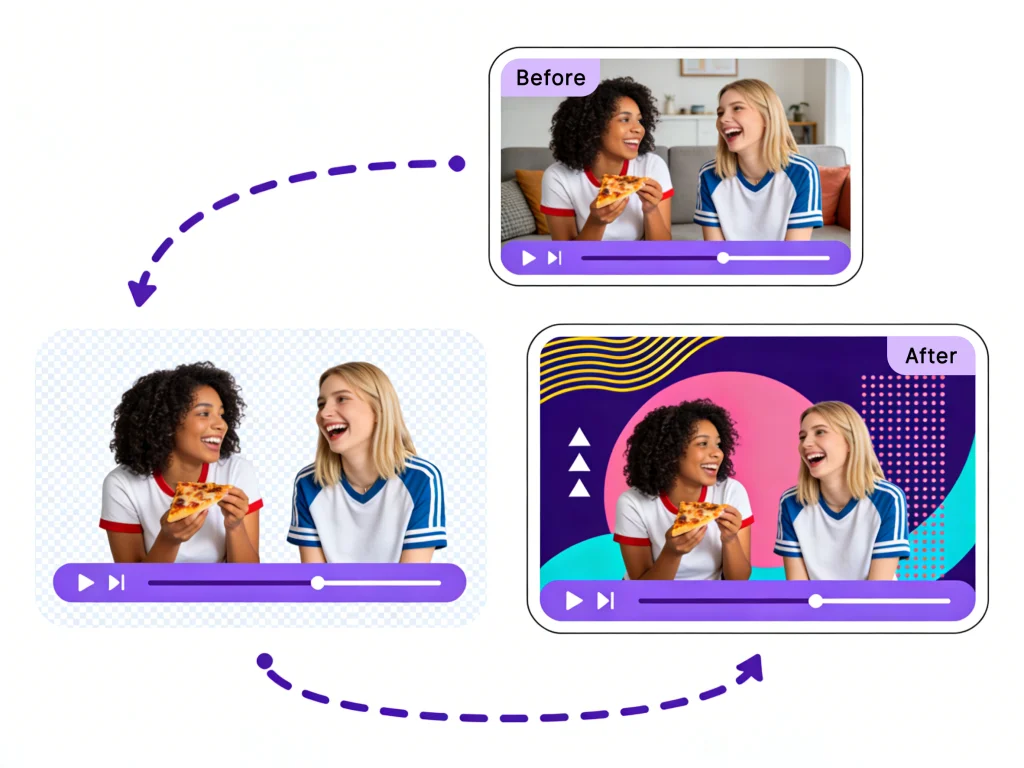
Live Streaming Overlays
Streamers on Twitch and YouTube need dynamic assets. Make video transparent to create custom alerts, dancing emotes, or reaction clips that pop up on screen without obscuring the gameplay. It’s the easiest way to add production value to your live broadcasts.
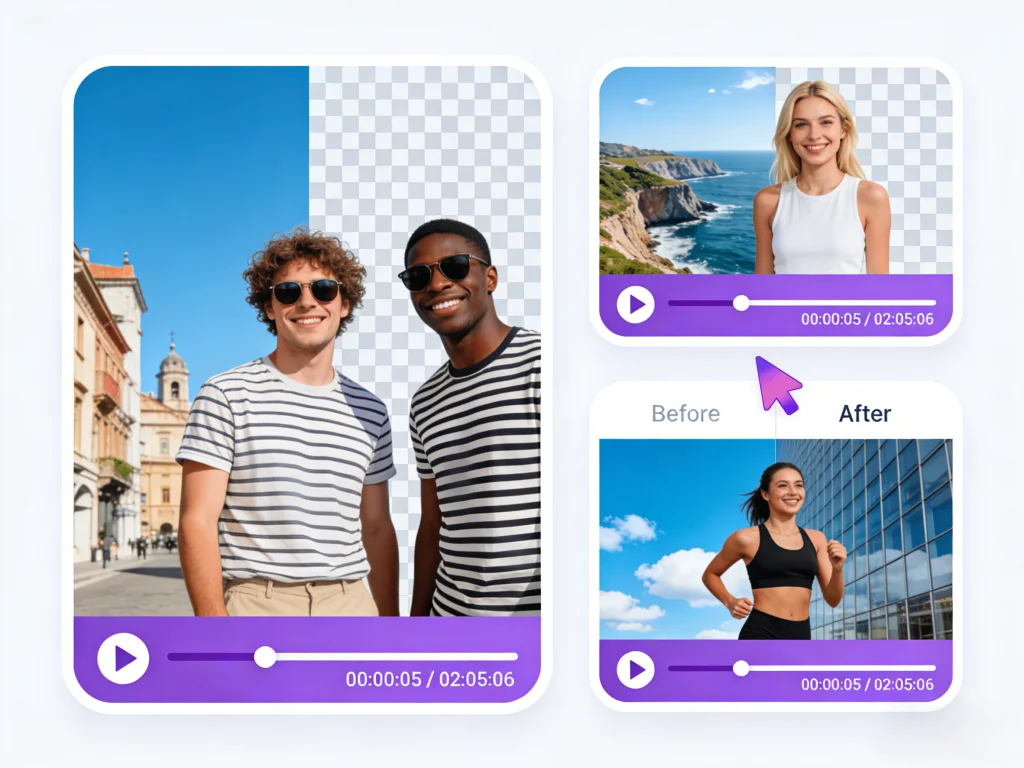
Video Editing & Compositing
Video editors often need to place a subject into a new environment. Instead of complex green screen setups, simply record anywhere and use our tool to get a clean alpha channel clip. Drop it directly into Premiere Pro, Final Cut, or DaVinci Resolve.
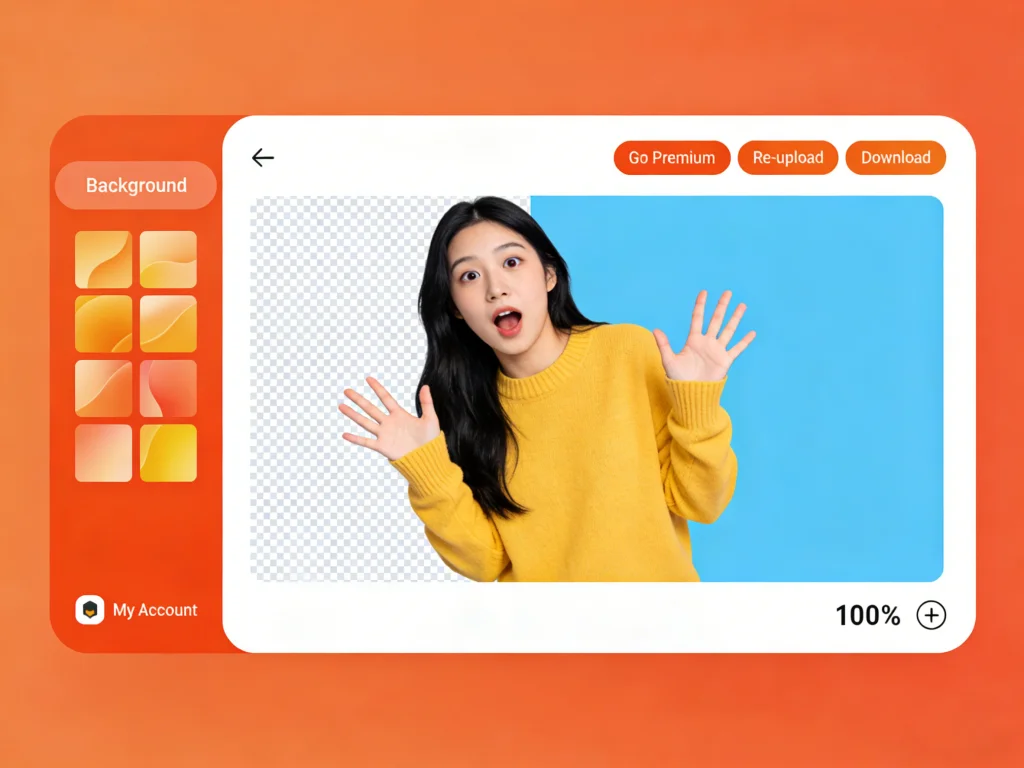
Social Media Stickers & GIFs
Turn your favorite video moments into shareable stickers. By removing the background, you can create transparent GIFs for Discord, Telegram, or Instagram Stories. It's the perfect way to create personalized memes and reaction content.
The Best Tool to Make Video Transparent
We provide a professional-grade solution for creating transparent video assets. Discover the features that make our tool the preferred choice for creators and developers.
Instant AI Subject Detection
Forget about manual masking or rotoscoping frame by frame. Our AI automatically identifies humans, objects, and products within your footage. It instantly separates them from the background, allowing you to make video transparent with unparalleled speed and accuracy.
Alpha Channel Export Support
True transparency requires specific file formats. We allow you to export your processed videos in formats that support alpha channels, such as ProRes 4444 (.MOV) and WebM, ensuring compatibility with professional editing software and web overlay tools.
No Quality Loss
Maintaining the visual fidelity of your subject is crucial. While we remove the background, we preserve the original resolution and bitrate of your subject, ensuring your transparent video looks crisp in 1080p or 4K projects.
Browser-Based Rendering
You do not need an expensive graphics card to create transparent videos. Our cloud servers handle all the heavy lifting. Simply upload your file, and we process the transparency rendering remotely, saving your device's battery and resources.
Why Choose AI Video Transparency?
Traditional methods of achieving video transparency are outdated. Here is why switching to an AI-powered workflow is the smart choice.
Ditch the Green Screen
Setting up a chroma key studio is expensive and requires perfect lighting. Our tool allows you to make video transparent from footage shot in your living room, outdoors, or anywhere else.
Automated Rotoscoping
Manual rotoscoping takes hours of clicking and dragging points. Our AI automates this tedious process, delivering results in seconds that would normally take a human editor a full day.
Seamless Integration
Transparent videos blend perfectly into any project. Whether you are building a website, editing a film, or designing a presentation, our output formats ensure your content fits right in.
Cost-Effective Production
Save budget on studio rentals and expensive plugins. Our online tool provides a professional transparency solution at a fraction of the cost of traditional production methods.
Who Needs Transparent Video?
The ability to make video transparent is a powerful asset for professionals across various digital industries.
UX/UI Designers
Designers who need to integrate video elements into apps and websites without being restricted by rectangular video frames or mismatched background colors.
Video Editors
Professionals looking to speed up their workflow by quickly generating alpha channel assets for compositing without manual masking.
Social Media Managers
Creators who need to produce eye-catching, layered content for Stories and Reels that stands out from standard rectangular videos.
Presenters & Educators
Speakers who want to overlay their camera feed on top of slide decks or digital whiteboards for a more immersive remote teaching experience.
Game Streamers
Broadcasters who need a webcam feed that floats over their gameplay without a messy background cluttering the screen.
Summoning deals...
Success Stories with AI Transparent Video
See how creators and businesses are using our tool to make video transparent and elevate their content.
"I needed a way to add a human guide to our landing page without a boxy video player. This tool let me make the video transparent so the actor looks like they are standing right on the website. It increased our engagement time by 40%."

David Chen
Frontend Developer
"I make reaction videos for TikTok. I used to struggle with a green screen that never lit up correctly. Now I just record, use this tool to make the video transparent, and overlay myself on the viral clips. It's so much faster."

Jessica Alvez
Content Creator
"We needed cutscenes for our game but didn't have the budget for 3D modeling. We filmed actors, made the video transparent, and placed them into our 2D backgrounds. The result was a unique style that our players loved."

Marcus Thorne
Indie Game Dev
Transparent Video Generation FAQs
Common questions about how to make video transparent and use alpha channel files.
Still have questions?
Can't find what you're looking for? Our team is ready to jump in and help you out.
Contact Support