Instant MP4 Background Remover: Remove Video BG Online
Transform your MP4 footage automatically with our advanced AI. Whether you are editing for YouTube, creating social media shorts, or professional presentations, our MP4 background remover delivers precise cutouts without green screens or complex software. Upload your MP4 and get a transparent background in seconds.

Preparing your creative lab...
Remove Background from MP4 in 3 Steps
Gone are the days of frame-by-frame masking. Our MP4 background remover tool simplifies the process into a few clicks, allowing you to focus on creativity rather than technical editing.
Step 1: Upload MP4 File
Select your video file from your device. Our tool is optimized for MP4 files but also supports MOV and WebM formats. Simply drag your footage into the browser window to begin the background removal process.
Step 2: AI Auto-Removal
Watch as our specialized AI analyzes your MP4 video. It detects subjects, separates them from the background, and handles complex edges like hair or motion blur automatically, ensuring a clean cutout.
Step 3: Customize & Download
Once the background is removed, choose to keep it transparent, add a custom image, or use a solid color. Export your new video in high resolution ready for sharing or further editing.
No credit card required • Instant results
Versatile Use Cases for MP4 Removal
From social media trends to professional business needs, our MP4 background remover adapts to any scenario where you need to isolate a subject.
Social Media Shorts & Reels
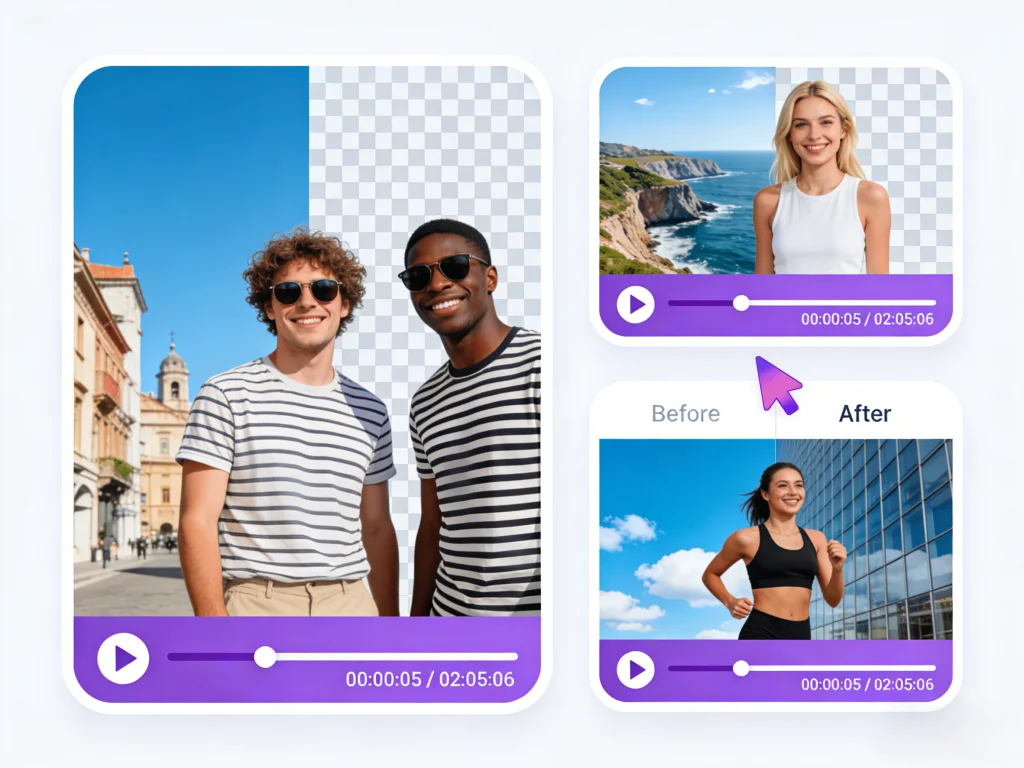
Create viral content by placing yourself in trending locations or memes. Our tool allows TikTok and Instagram creators to quickly swap backgrounds in their MP4 clips without needing a studio setup, keeping content fresh and engaging.
E-Commerce Product Videos
Showcase your products without distractions. Upload a raw MP4 of your product and replace the cluttered background with a clean white or branded backdrop. High-quality product videos are proven to increase conversion rates on online stores.

Virtual Presentations & Webinars
Enhance your corporate communication. Record your presentation as an MP4, remove your home office background, and overlay yourself onto your slide deck or a professional newsroom set for a polished, high-end look.
Marketing & Ad Campaigns
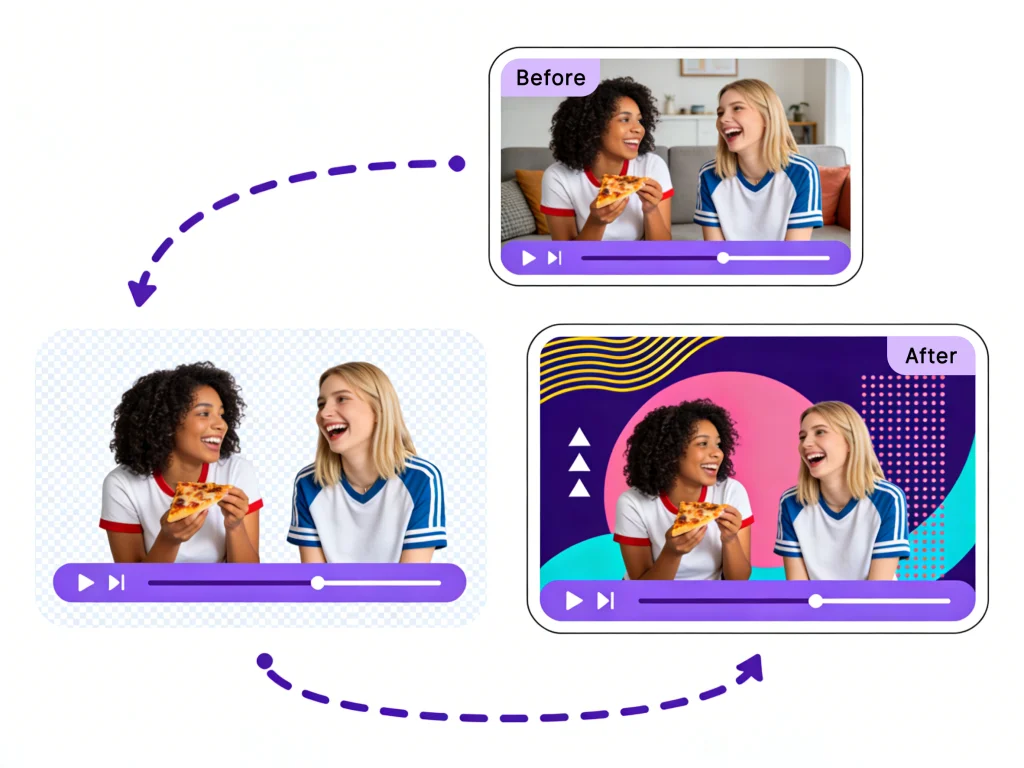
Iterate on video ads faster. With our MP4 background remover, marketing teams can shoot one video and place the actor in multiple environments to test which background performs best, saving time and production costs.

Why Use Our MP4 Background Remover?
We provide a professional-grade solution for MP4 video editing directly in your browser. Discover the features that make our tool the preferred choice for creators.
Instant AI Processing
Speed is crucial for modern content creation. Our MP4 background remover utilizes optimized algorithms to process your video frames in parallel. You don't need to wait hours for rendering; get your transparent video in minutes.
Transparent MP4 Exports
Need a video overlay? We allow you to export your result with an alpha channel (transparency). This is perfect for overlaying subjects onto gaming streams, presentation slides, or other video projects.
No Quality Loss
We understand that video quality is paramount. Our tool preserves the original resolution of your MP4 file, ensuring that your final export looks crisp and professional, up to 4K resolution.
Browser-Based Editing
Forget installing heavy software like Adobe Premiere or After Effects just to remove a background. Our tool runs entirely in the cloud, meaning you can edit MP4s on a Chromebook, tablet, or any computer with internet access.
The Smart Alternative to Green Screens
Traditional chroma keying requires perfect lighting and a physical green screen. Our AI technology renders those requirements obsolete for MP4 editing.
No Green Screen Needed
Shoot your MP4 video anywhere—in your living room, outdoors, or in a busy office. Our AI distinguishes the subject from any background, messy or clean.
Zero Technical Skills
You don't need to know how to set 'keylight' or 'spill suppression'. Just upload your MP4, and the algorithm handles the technical heavy lifting instantly.
Seamless Integration
Download your result as a transparent video or with a new background, ready to be imported into any video editor or uploaded directly to social platforms.
Free & Cost Effective
Save money on studio rentals and lighting gear. Our MP4 background remover offers a free tier so you can start creating professional videos with zero budget.
Who Can Benefit from This Video BG Remove Tool?
Our MP4 background remover is built for anyone who works with video, from casual users to professional editors.
YouTubers & Streamers
Creators who need to quickly create overlays for gameplay or reaction videos without setting up a physical green screen behind their chair.
Social Media Managers
Professionals managing brand accounts who need to repurpose video content for different campaigns by changing backgrounds on the fly.
Online Educators
Teachers creating course materials who want to appear directly over their teaching materials to maintain student engagement.
Freelance Video Editors
Editors looking to speed up their workflow by automating the tedious task of rotoscoping simple subjects in MP4 files.
Web Designers
Designers needing transparent video assets (WebM/MP4) to create dynamic, modern website headers and interactions.
Summoning deals...
Users Love Our MP4 Remover
See how creators and professionals are saving time and boosting creativity with our MP4 background removal tool.
"I used to spend hours masking out backgrounds in After Effects for my YouTube intros. This MP4 background remover does it in seconds and the edge detection on my hair is surprisingly good. It's a permanent part of my workflow now."

James Caldon
Content Creator
"We needed to update a campaign video but couldn't reshoot. We used this tool to remove the old office background from our MP4 footage and replaced it with our new branding. It saved us thousands in production costs."

Elena Rodriguez
Marketing Director
"I needed transparent video assets for my game's landing page. This tool took my raw MP4 files and gave me perfect transparent videos I could embed directly into the web design. Highly recommended for devs."

David Kim
Indie Game Dev
MP4 Removal FAQs
Common questions about removing backgrounds from MP4 files using our online tool.
Still have questions?
Can't find what you're looking for? Our team is ready to jump in and help you out.
Contact Support