The Ultimate AI TikTok Background Remover: Create Trending Content Instantly
Stop struggling with messy rooms and bad lighting. Our AI video background remover is optimized for TikTok's vertical format. Isolate subjects, add virtual green screens, and transport yourself to any location in seconds—no physical studio required.
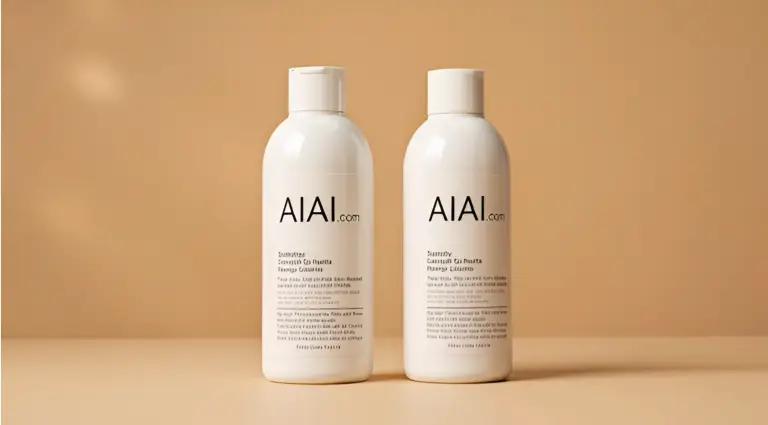
Preparing your creative lab...
How to Remove TikTok Backgrounds in 3 Easy Steps
You don't need complex editing software to join the latest trend. Our tool streamlines the process so you can focus on your performance, not the editing.
Step 1: Upload Vertical Video
Drag and drop your raw footage directly from your phone or computer. We support standard TikTok aspect ratios (9:16) and formats like MP4 and MOV. No need to pre-crop your content.
Step 2: AI Subject Isolation
Our AI is trained on social media content. It instantly recognizes dancers, speakers, and products, separating them from cluttered bedrooms or busy streets with high precision.
Step 3: Add Trend Background
Choose a transparent background for overlaying in other apps, or select from our library of trending images and colors. Export your new video ready for the 'For You' page.
No credit card required • Instant results
Endless Creative Possibilities for Tiktok Videos
From comedy skits to professional product showcases, see how our background remover elevates every type of TikTok content.
Reaction & Commentary Videos
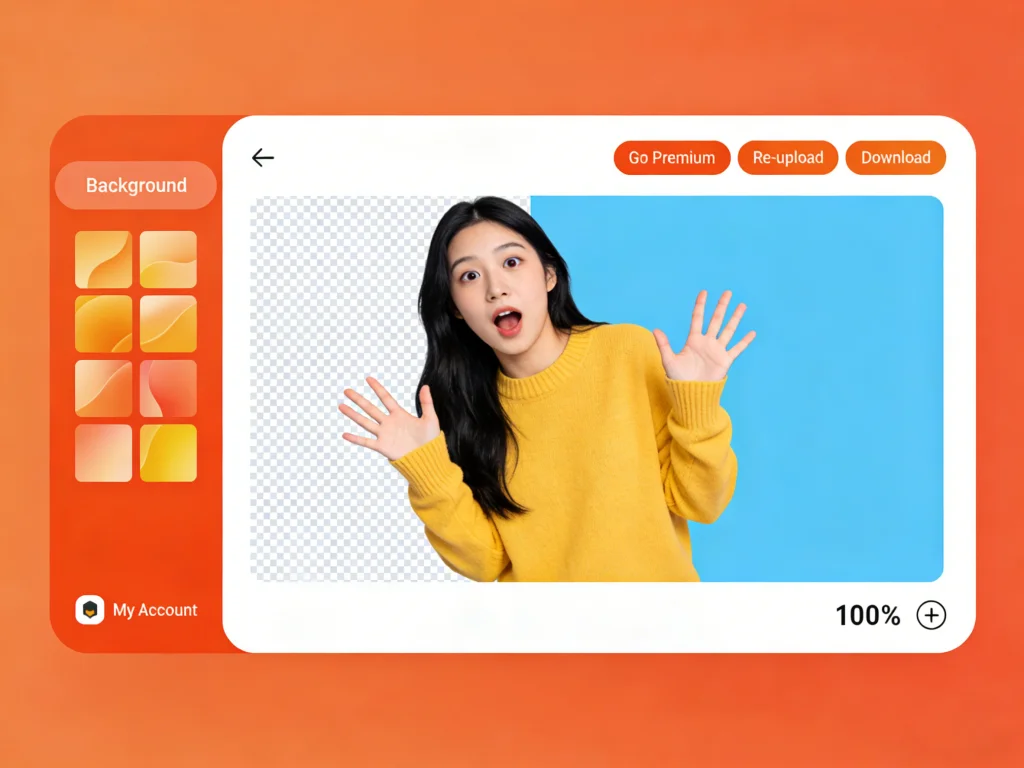
The best reaction videos place the creator directly over the content they are discussing. Use our tool to remove your background and overlay yourself onto news articles, other videos, or websites with perfect clarity.
TikTok Shop & Product Marketing
Sellers can now shoot products anywhere and place them in a professional studio setting instantly. Remove the background from your product demo and add a clean, branded backdrop to increase trust and sales.

Travel & Skit Content
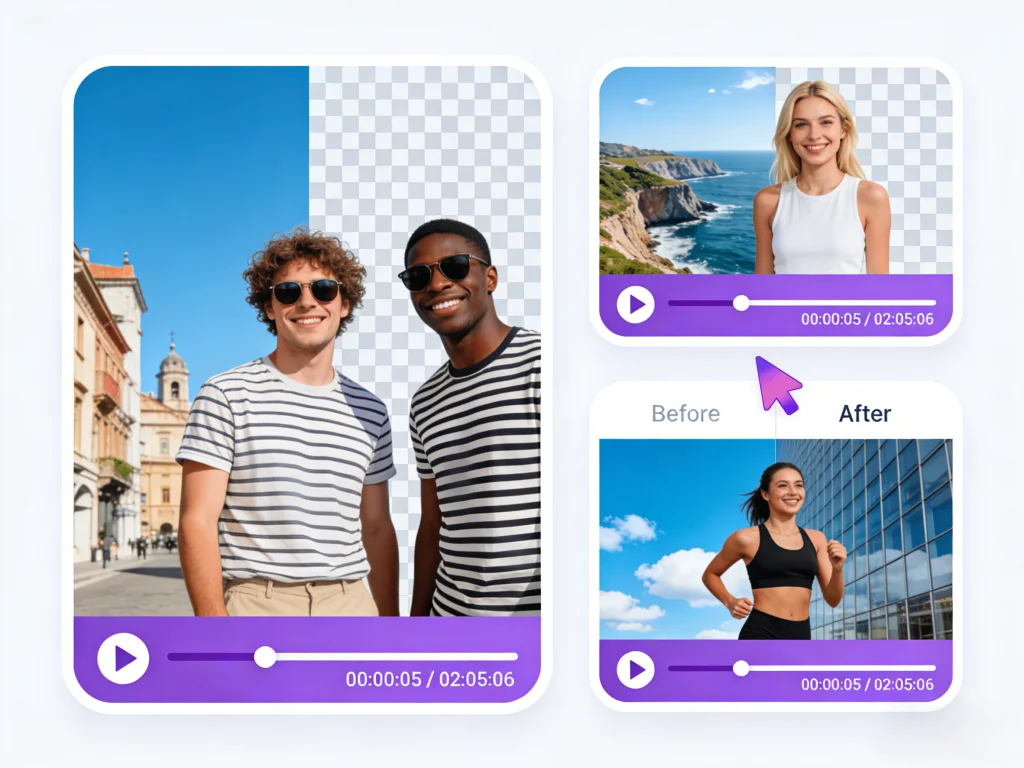
Fake a vacation or set the scene for a comedy sketch without leaving your room. Transport yourself to Paris, a spaceship, or a classroom simply by swapping the background layer of your video.
Dance & Choreography
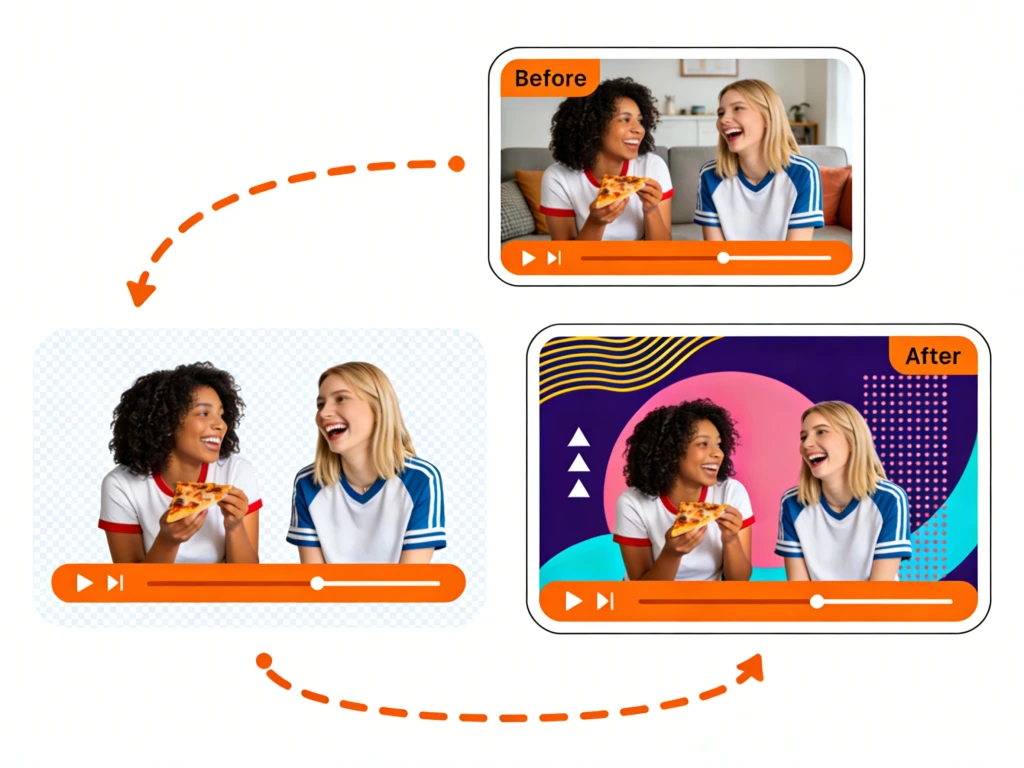
Make your dance moves pop by removing distracting elements from your environment. Add neon outlines, motion trails, or dynamic abstract backgrounds to match the beat of the music.
Built for the TikTok Creator Economy
Generic editors struggle with the pace of social media. Our tool is engineered specifically for the needs of influencers, brands, and content creators.
Optimized for Vertical 9:16 Video
Most background removers crop your video or lower the quality. We preserve the full vertical resolution of your TikToks, ensuring your content looks crisp and professional on mobile screens.
Instant 'Green Screen' Effect
Replicate the popular Green Screen effect without the glitchy edges often seen in-app. Get studio-quality separation for reaction videos and commentary.
Trend-Ready Backgrounds
Replace your background with solid colors for text overlays, or upload custom images to participate in the latest 'transportation' memes.
No App Installation Needed
Save storage space on your phone. Our cloud-based tool runs entirely in your browser, whether you are on an iPhone, Android, or desktop, keeping your device fast.
Solve Common TikTok Creation Pain Points
Creating high-quality content usually requires expensive gear. We eliminate the barriers to entry for aspiring viral stars.
No Physical Green Screen
Forget buying a green cloth, stands, and lighting kits. Our AI acts as a virtual green screen, saving you money and setup time.
Fix Bad Lighting
Shooting in a dim bedroom? Remove the gloomy background and replace it with a bright, vibrant setting that captures attention.
Clean Edges for Hair
TikTok's built-in filters often glitch around hair. Our advanced processing ensures smooth, professional cutouts even with complex hairstyles.
Privacy Protection
Don't want to show your messy room or personal space? Blur or replace your background to maintain privacy while filming at home.
Who Uses Our TikTok BG Remove Tool?
Join thousands of creators who use our background remover to level up their content game.
TikTok Influencers
Creators who need consistent, high-quality visuals to maintain engagement and grow their follower base.
Dropshippers & Brands
Businesses using TikTok Ads to sell products. Professional product isolation leads to higher conversion rates.
Social Media Managers
Agencies managing multiple accounts who need a fast workflow to repurpose content across Reels and Shorts.
Educators & Coaches
Experts sharing knowledge who need to overlay themselves on slides or diagrams for clear communication.
Casual Users
Anyone who wants to make a funny video for friends or join a trend without learning complex editing.
Summoning deals...
Creator Success Stories for Tiktok Background Removing
See how our TikTok background remover is helping users go viral.
"I used to spend hours masking my dance videos in After Effects. This tool does it in seconds. The edge detection on my hair is incredible, and it lets me put myself on neon backgrounds that my followers love."

Jessica Lee
Dance Creator (500k Followers)
"For my tech reviews, I need to show the product specs behind me. This background remover is cleaner than the native TikTok effect and allows me to edit on my desktop for higher quality."

Marcus Thorne
Tech Reviewer
"We shoot our products in our warehouse, which is ugly. We use this tool to put our products on clean, pastel backgrounds. Our ad engagement went up 40% immediately."

Bella & Co.
Small Business Owner
TikTok Background Removal FAQs
Common questions about removing backgrounds from TikTok videos.
Still have questions?
Can't find what you're looking for? Our team is ready to jump in and help you out.
Contact Support