The Ultimate YouTube Background Remover: No Green Screen Needed
Transform your YouTube content with AI-powered background removal. Whether you are making reaction videos, gaming overlays, or tutorials, our tool isolates your subject instantly. Achieve studio-quality results without expensive lighting or physical green screens.

Preparing your creative lab...
Create Pro YouTube Videos in 3 Steps
Stop struggling with chroma key lighting. Our YouTube background remover simplifies your editing process, allowing you to focus on creating engaging content.
Step 1: Upload Your Video
Drag and drop your raw footage into our browser-based tool. We support high-resolution files suitable for 1080p and 4K YouTube uploads. No software installation is required.
Step 2: AI Background Removal
Our AI automatically detects the speaker, gamer, or subject. It handles complex details like headsets and microphones, removing the background cleanly without manual masking.
Step 3: Customize & Download
Choose a transparent background for overlays, select a virtual studio image, or add a solid color. Export your video in MP4 or WebM format ready for your video editor.
No credit card required • Instant results
Versatile Use Cases for Every Channel
From gaming to education, see how our YouTube background remover adapts to different content styles.
Gaming & Let's Play Videos
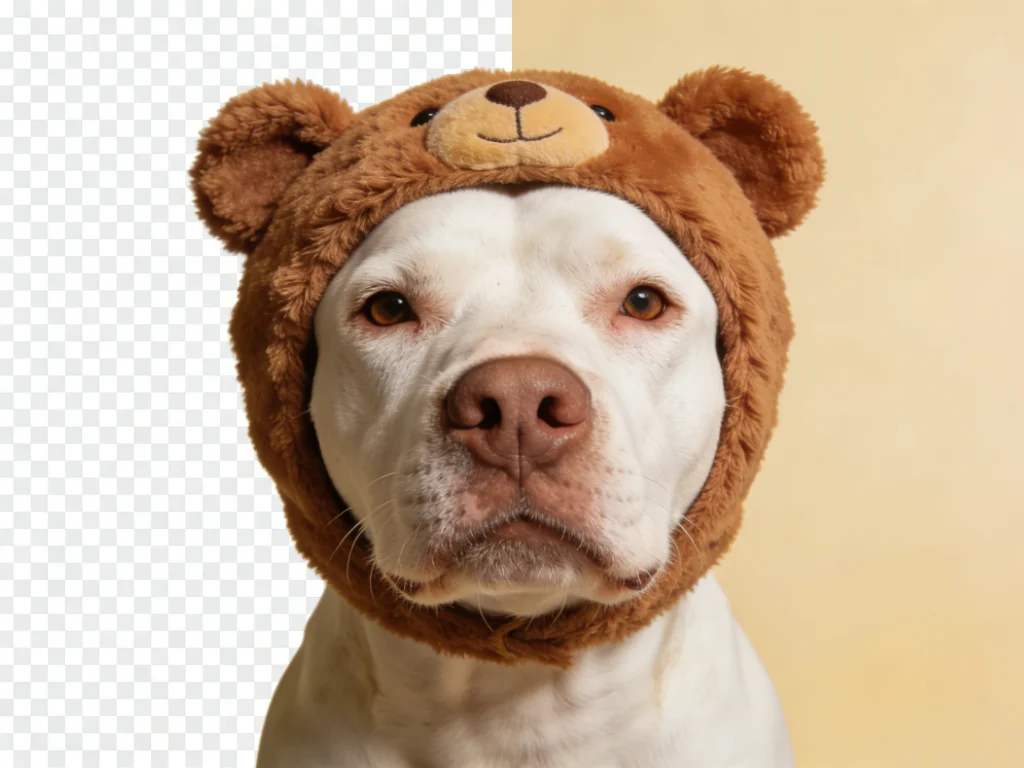
Place yourself right in the action. Remove your messy room background and float your facecam over the gameplay UI. It creates a more immersive viewing experience for your subscribers without needing a green screen setup.
Reaction Videos
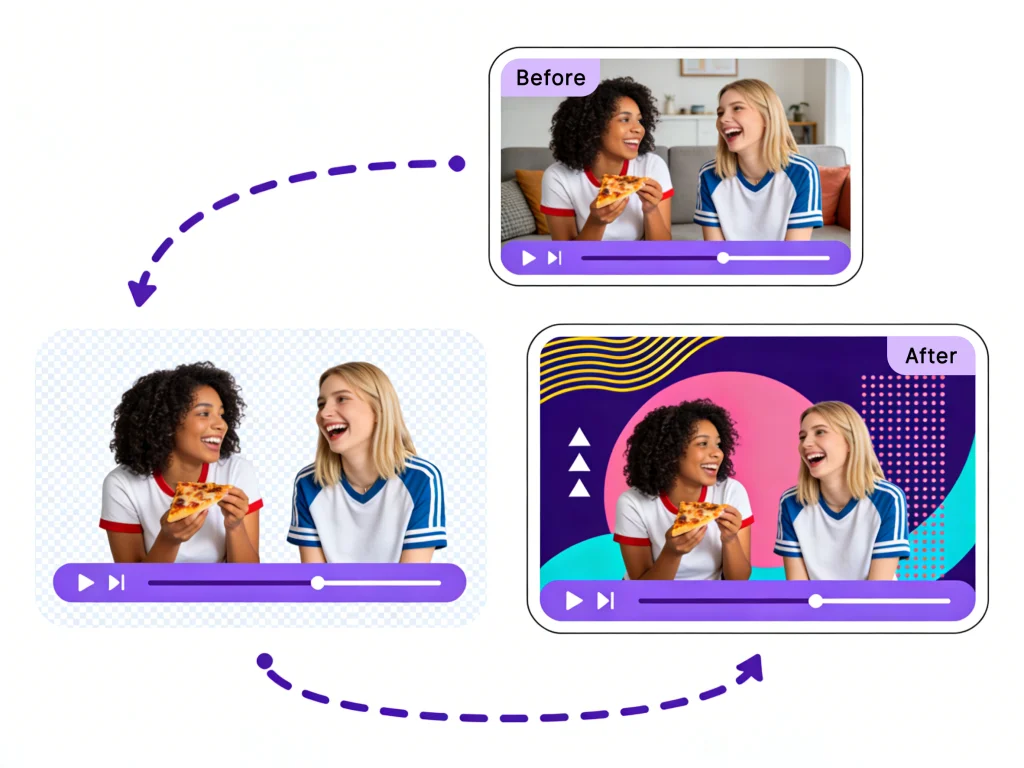
Reaction channels rely on the 'picture-in-picture' format. Our tool lets you cut out your silhouette so you can sit 'inside' the video you are watching, maximizing screen real estate for the content you are reacting to.
Educational Tutorials
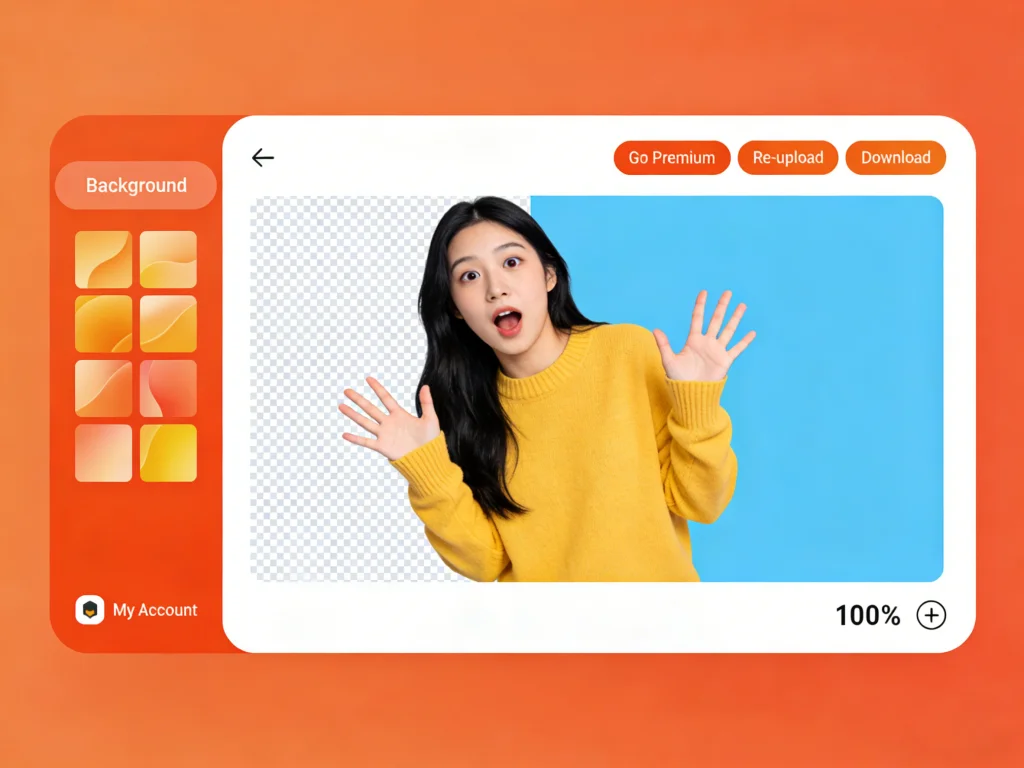
Teachers and tech reviewers can present more effectively by removing their background. Overlay yourself onto slide decks, screen recordings, or coding environments to maintain eye contact while showing data.
Vlogs & Lifestyle Content
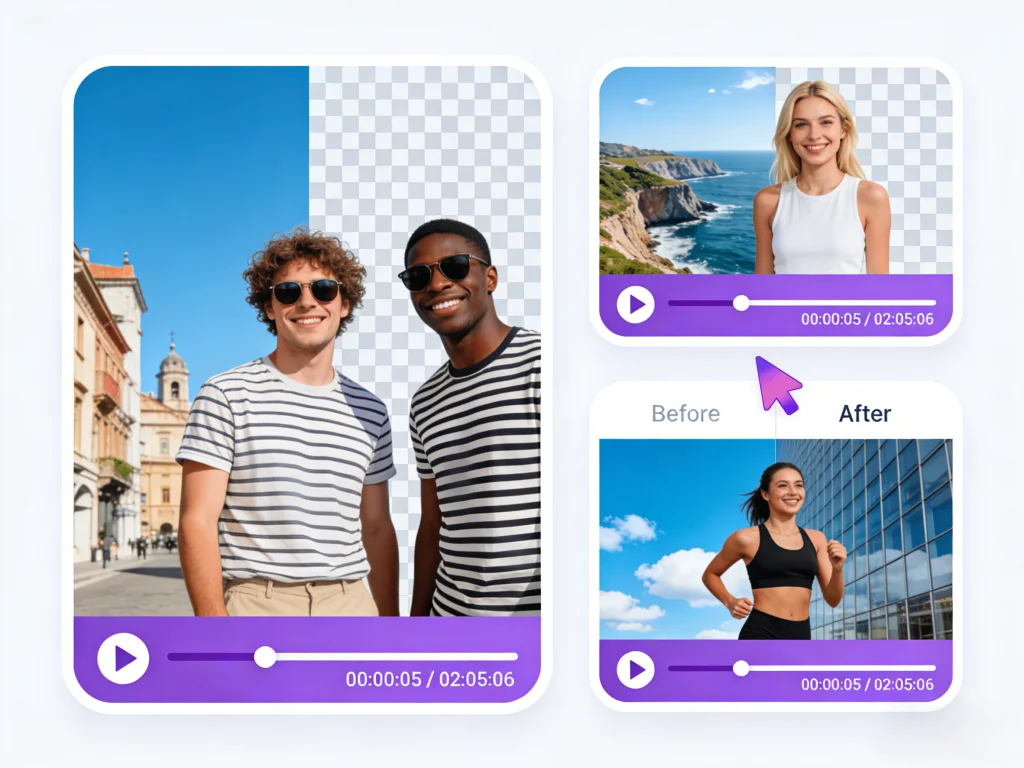
Filming in a dorm or a dimly lit room? Swap your actual background for a bright, aesthetic virtual studio or a blurred office setting. Keep your privacy while looking professional.
Why YouTubers Love Our BG Remover Tool
Designed specifically for the needs of modern content creators, our features ensure your videos look professional and keep viewers engaged.
Precision for Headsets & Microphones
Most generic removers cut off headphones or blur microphone stands. Our AI is trained on streamer setups, ensuring your gaming gear and accessories remain perfectly defined while the background disappears.
Instant Gaming Overlays
Create transparent facecam videos instantly. Export with an alpha channel to drag-and-drop your reaction directly over your gameplay footage in your favorite editor.
4K Quality Export
Don't sacrifice quality for convenience. We maintain the visual fidelity of your original upload, ensuring your final YouTube video looks crisp on big screens.
Cloud Rendering Saves CPU
Streaming and recording take a toll on your computer. Offload the heavy background removal processing to our cloud servers so you can keep creating without lag.
Solving the Green Screen Headache
Traditional chroma keying is expensive and difficult. We eliminate the barriers to entry for aspiring YouTubers.
No Physical Space Required
You don't need a dedicated studio room or space to hang a green cloth. Record from your bedroom, kitchen, or car—our AI handles any environment.
Perfect Lighting Not Needed
Green screens fail if the lighting isn't perfectly even. Our AI depth detection works with standard room lighting, ring lights, or even natural window light.
Simplify Your Edit
Skip the 'Ultra Key' effect tweaking in Premiere Pro. Download a pre-keyed video with a transparent background and just drop it onto your timeline.
Zero Hardware Cost
Save money on stands, muslin backdrops, and softbox lights. Invest that budget into a better microphone or camera instead.
Who Is This Video BG Removal Tool For?
Our platform empowers creators across the entire YouTube ecosystem to produce better content faster.
Gaming Streamers
Creators who need clean facecam overlays for Twitch VODs and YouTube Let's Plays without blocking game UI.
Tech Reviewers
Channels that need to showcase products clearly or float over b-roll footage of gadgets and software.
Online Educators
Tutors creating Udemy courses or YouTube tutorials who want to appear alongside their presentation slides.
Reaction Channels
Creators who need to quickly process daily videos with a consistent, clean cutout look.
Shorts Creators
TikTok and YouTube Shorts creators who need fast, vertical video background removal for viral trends.
Summoning deals...
Creator Success Stories
See how other YouTubers are using our background remover to grow their channels.
"I used to spend hours setting up lights for my green screen. Now I just record at my desk and use this tool. The edge detection on my hair is better than what I could achieve with Keylight in After Effects."

Marcus 'TechTip' Lee
Tech Reviewer (500k Subs)
"As a streamer living in a small apartment, I didn't have space for a studio. This YouTube background remover lets me look like a pro. My viewers love the clean look of my facecam now."

Jessica Plays
Gaming Streamer
"Speed is everything for reaction videos. I can film, remove the background, and upload in under an hour. It's an essential part of my daily workflow."

Mr. Reacts
Reaction Channel
Common Questions about Youtube Background Remover
Everything you need to know about removing backgrounds for YouTube videos.
Still have questions?
Can't find what you're looking for? Our team is ready to jump in and help you out.
Contact Support