Remove Green Screen from Video Online: Instant & High Quality
Stop struggling with complex chroma key software and uneven lighting. Our AI video background remover acts as a perfect green screen tool, automatically extracting subjects from any colored background. Create transparent videos or swap backgrounds in seconds—no expensive studio gear required.

Preparing your creative lab...
How to Remove Green Screen from Video in 3 Steps
Traditional chroma keying takes patience and skill. Our AI tool simplifies the process, allowing you to achieve professional compositing results in just a few clicks.
Step 1: Upload Green Screen Video
Drag and drop your green screen or solid background footage into the browser. We accept all major video formats. No need to install heavy software like After Effects or Premiere.
Step 2: AI Auto-Keying
Our intelligent algorithm detects the green (or blue) screen automatically. It handles color spill, shadows, and fine edges like hair better than standard chroma key filters, instantly creating a transparent background.
Step 3: Download or Replace
Export your video with a transparent background for further editing, or use our library to immediately swap the green screen for a custom image or video loop. Download in HD.
No credit card required • Instant results
Creative Uses for Green Screen Removal
Unlock limitless creative potential. Whether for professional broadcasting or fun social content, see what you can create.
Game Streaming & Overlays
Streamers use our tool to remove their background without a physical green screen setup. Overlay your webcam feed directly onto your gameplay for a professional Twitch or YouTube stream look that maximizes screen real estate.
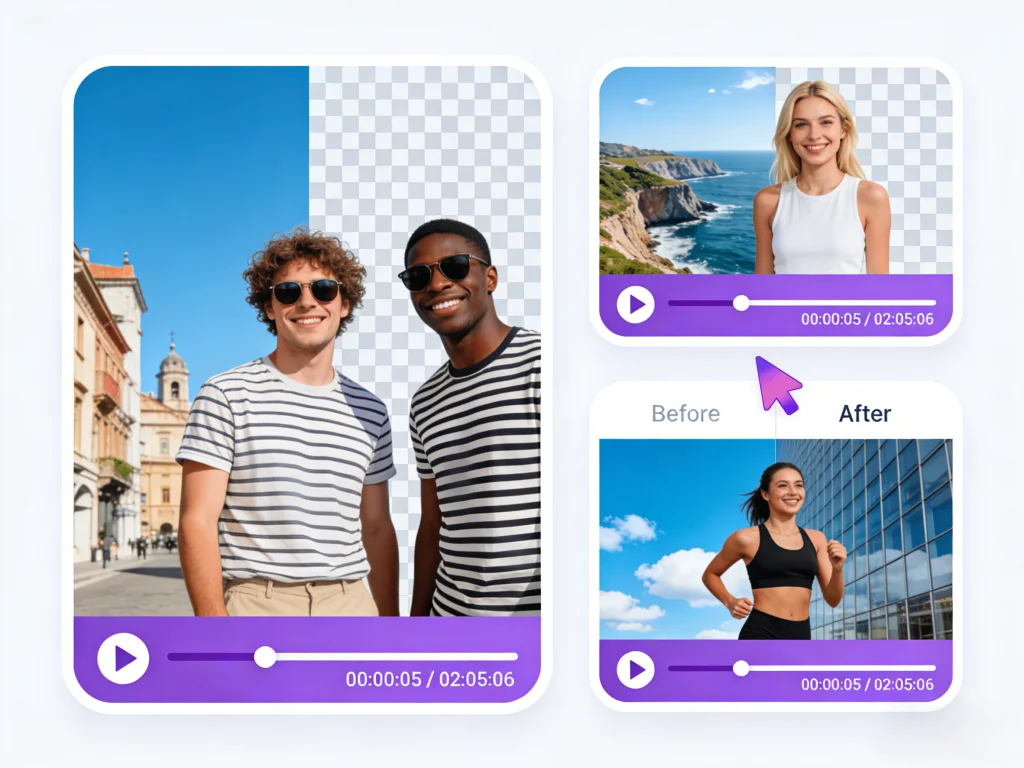
Virtual News & Weather Studios
Create a broadcast-quality news segment from your home. Remove the green screen and place yourself in a virtual newsroom or in front of a weather map. Perfect for student projects, corporate updates, or independent journalism.
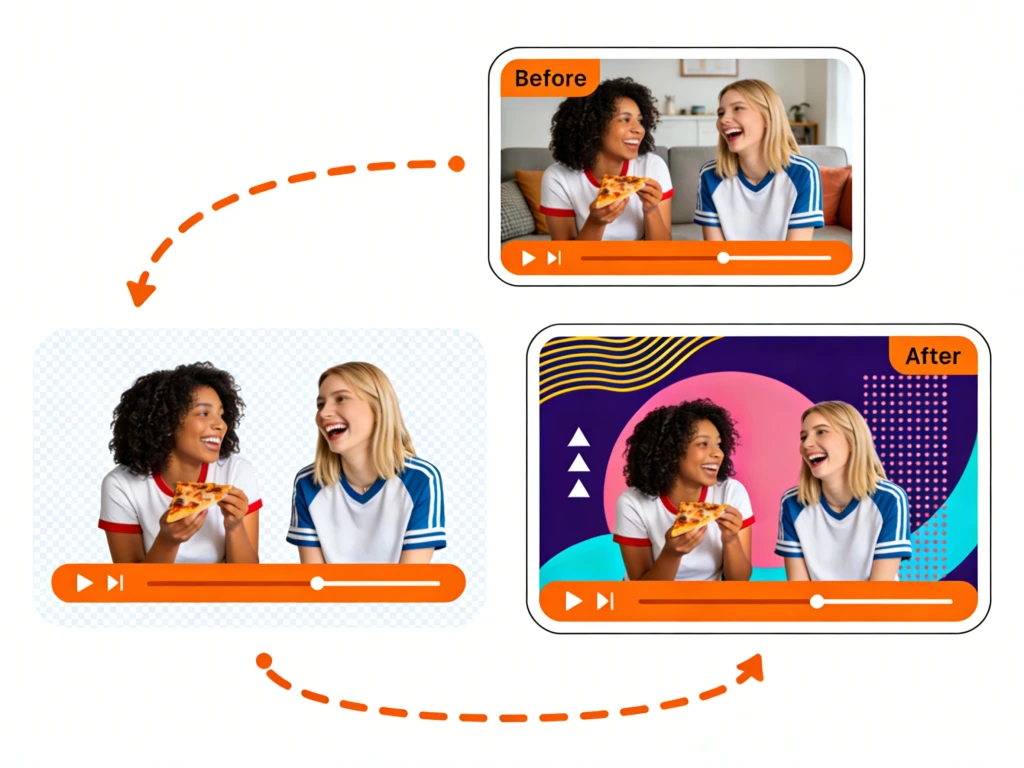
Visual Effects & Compositing
Filmmakers can shoot actors against a simple green sheet and transport them to sci-fi worlds or historical settings. Our high-quality edge detection makes compositing realistic, preserving details that sell the illusion.
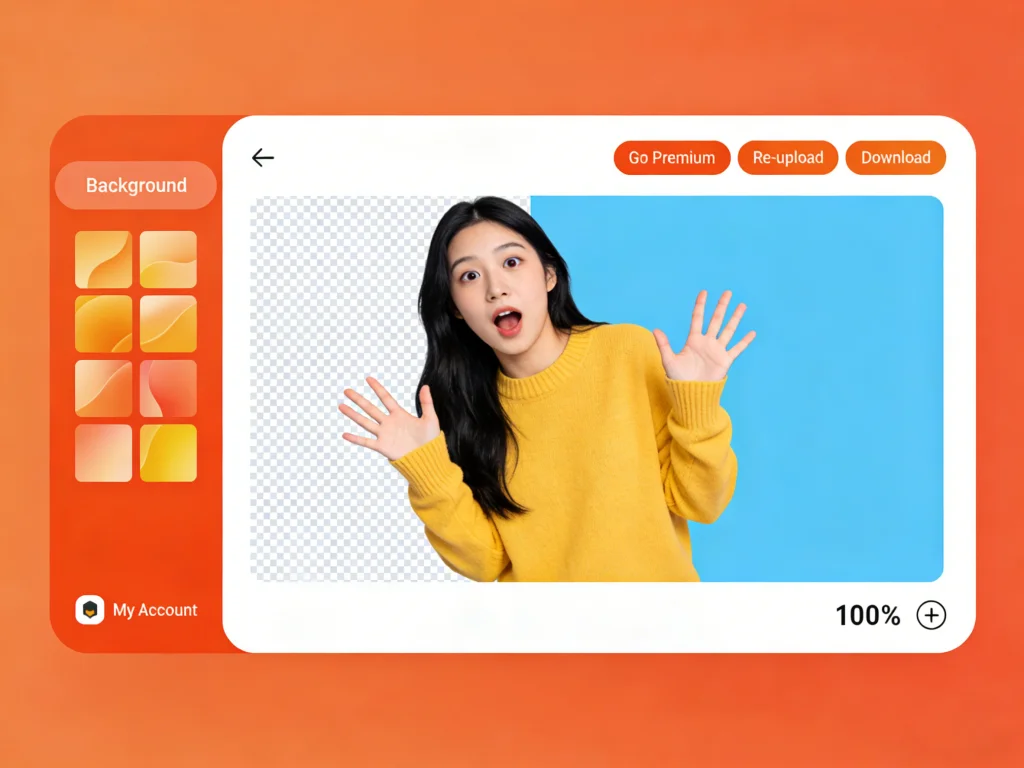
Product Demos & Marketing
Shoot your product on a green turntable and use our tool to swap backgrounds for different seasonal campaigns. One video shoot can generate assets for Christmas, Summer, and Black Friday ads instantly.

Better Than Traditional Chroma Key
Why struggle with manual keying parameters? Our AI-driven tool solves the common frustrations of working with green screen footage.
Handles Uneven Lighting
The biggest enemy of a green screen is bad lighting. Shadows and hotspots confuse traditional keyers. Our AI understands the subject regardless of lighting consistency, removing the green background perfectly even if your studio setup isn't Hollywood-grade.
Automatic Spill Suppression
Green light often reflects onto the subject, creating a greenish tint on skin or clothes. Our remove green screen from video tool automatically neutralizes this color spill, ensuring natural-looking tones on your subject.
Transparent Video Export
Need to use the clip in another editor? Export with an alpha channel (transparency) in formats like MOV or WebM. This allows you to layer your footage over gameplay, slides, or other videos effortlessly.
Works on Any Background Color
While optimized for green screens, our AI is actually color-agnostic. Did you shoot on a blue screen? A white wall? A messy bedroom? The tool isolates the human subject regardless of the background color, making it the ultimate flexible solution.
Solving Common Green Screen Headaches
Green screens are notorious for being difficult to light and key. We eliminate the technical barriers so you can focus on the content.
No More 'fizzing' Edges
Bad keying results in noisy, flickering edges around hair and motion. Our AI stabilizes the matte generation, delivering smooth, solid edges frame by frame.
Fix Wrinkled Screens
A wrinkled green fabric creates shadows that ruin standard chroma keys. Our AI ignores the fabric imperfections and focuses solely on separating the person from the background.
Motion Blur Handling
Fast movement often disappears or becomes transparent in traditional keying. We analyze motion vectors to ensure hands and fast-moving objects remain opaque and visible.
Zero Setup Cost
Don't have a professional lighting rig? Don't even have a green screen? That's fine. Our tool works as a virtual green screen for any video footage.
Who is this Video Background Remove Tool For?
From amateur creators to professional editors, our green screen remover simplifies video production for everyone.
YouTubers & Vloggers
Create dynamic intros and outros by removing backgrounds and layering text or graphics behind you.
Teachers & Educators
Make lessons engaging by appearing directly over your slide deck or educational animations, just like a weather forecaster.
Indie Filmmakers
Achieve big-budget VFX shots on a shoestring budget. Shoot in your garage, look like you're on Mars.
Social Media Managers
Quickly repurpose content by swapping backgrounds to fit different platform aesthetics (clean for LinkedIn, vibrant for TikTok).
Gamers
Get that clean, floating-head look for your streams without needing to buy a collapsible green screen panel.
Summoning deals...
Creators Love Our Green Screen Remover
See how our users are transforming their videos and saving hours of editing time.
"I shot a scene with poor lighting on a cheap green cloth. Premiere Pro couldn't key it out without destroying the actor's hair. This online tool nailed it in one go. It saved the shot and my production timeline."

James Caldon
Indie Director
"I don't have space for a studio. I record in my kitchen. With this tool, I can remove my messy background and put myself in a virtual classroom. My students love the professional look."

Elena R.
Educational Content Creator
"Fastest workflow ever. I used to spend 20 minutes tweaking chroma key settings for every video. Now I just drag, drop, and get a perfect transparent video to overlay on my screen recordings."

Marcus Chen
Tech Reviewer
Common Questions about Video Green Screen Remover
Everything you need to know about removing green screen from video online.
Still have questions?
Can't find what you're looking for? Our team is ready to jump in and help you out.
Contact Support